
Track Every Document. Monitor Every Process.
Assign a unique QR code to every document and track its location, status, processor, and turnaround time in real time. Eliminate lost documents, improve accountability, and gain complete visibility across every workflow.
Complete Document Traceability
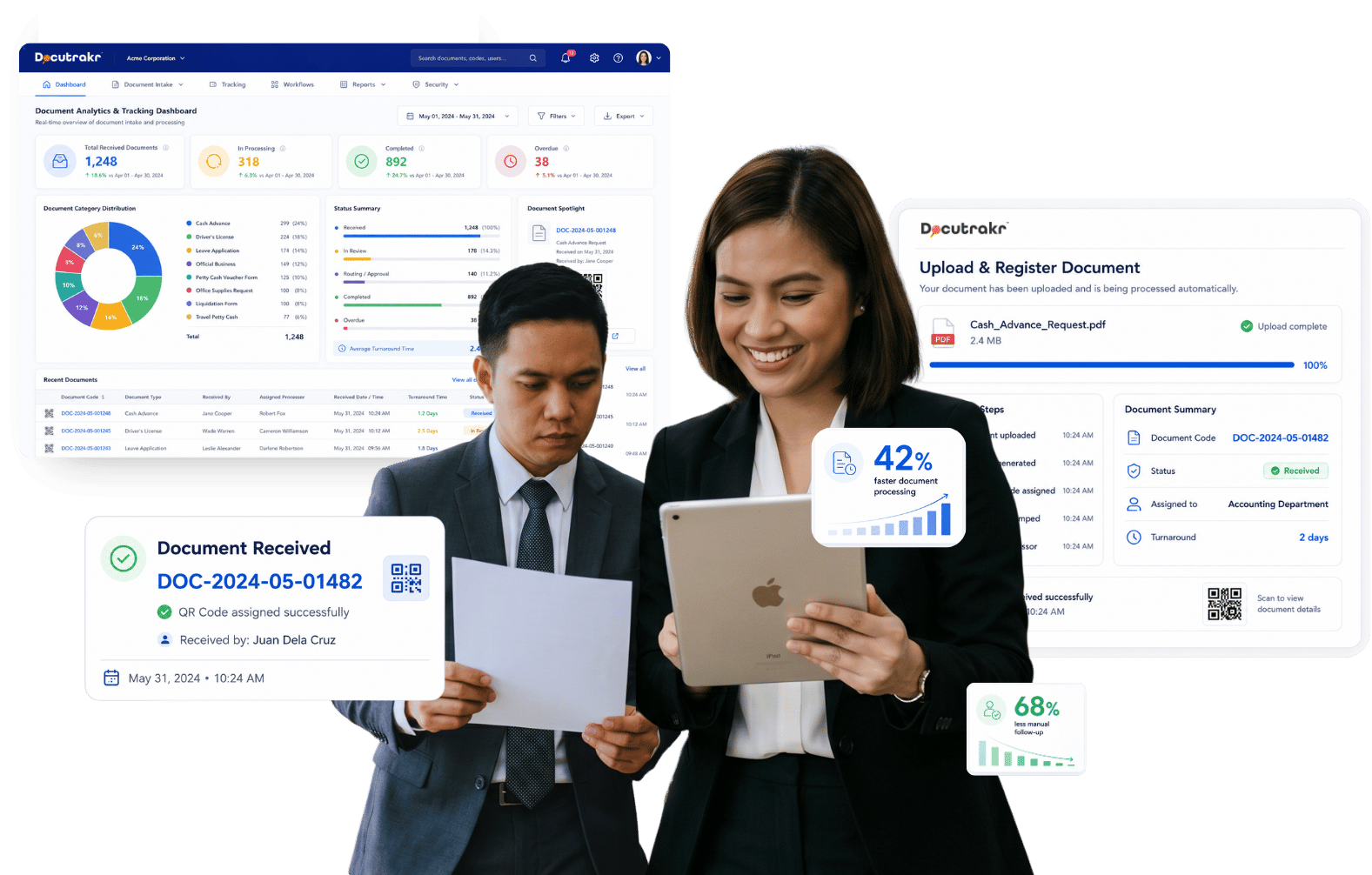
Every document is assigned a unique QR code upon receipt, providing real-time visibility into its location, status, processing history, and assigned personnel.
Intelligent Workflow Routing
Automatically route documents through predefined workflows with assigned processors, approval paths, and target turnaround times based on document type.
Turnaround Time Accountability
Measure processing time at every stage, identify bottlenecks instantly, and ensure documents move efficiently within defined service timelines.
About Docutrakr
Why teams switch from logbooks and shared drives
Manual document logs lose track of who’s holding what. Shared drives store files but don’t tell you whether a request has been processed, who’s sitting on it, or how long it’s been there.
Docutrakr fills that gap. Every document gets a code at receipt and rides a pre-defined workflow through the right processors automatically — with timestamps, notifications, and a full audit trail.
- Cloud-hosted SaaS or on-premise deployment
- Configurable workflows per document type
- Secure authentication with 2FA and complete audit trail tracking
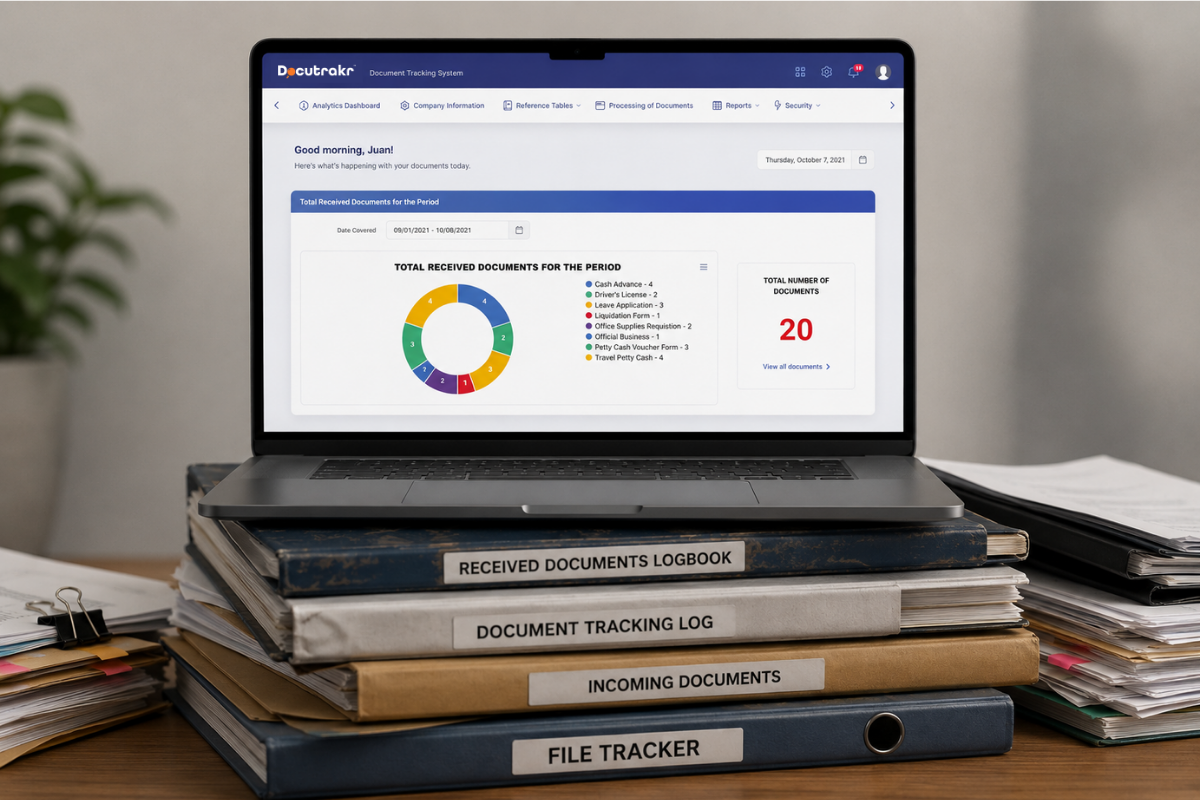
Document Management Behavior When Running on DocuTrakr
No lost documents
Every document is assigned a unique code, allowing instant search or scan to see its exact location, current holder, and workflow status.
Automated routing
Documents are automatically routed through predefined workflows with the right processors eliminating manual handoffs and missed actions.
Full Performance visibility
Track processing time per user, department, and document type to identify delays, improve efficiency, and recognize high-performing teams.
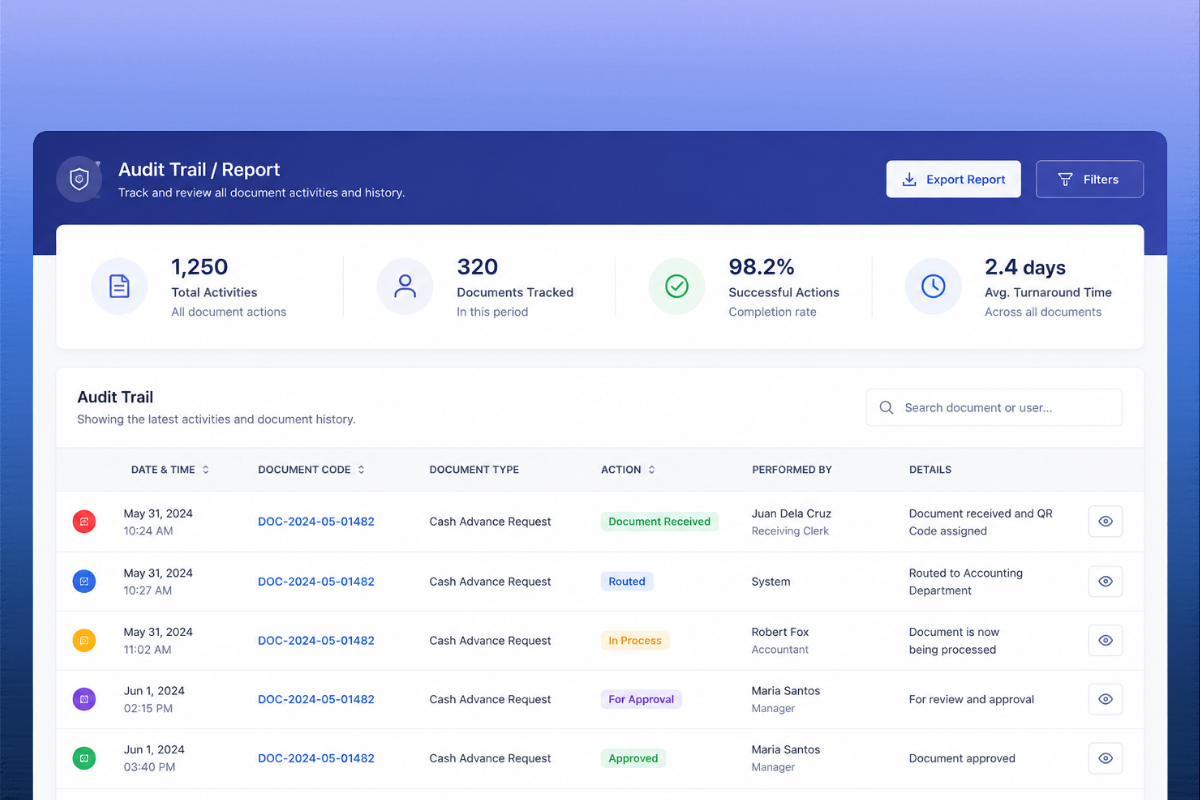
Complete audit trail
Every action is logged, time-stamped, and retrievable for internal governance, compliance, and external audits.
Flexible Deployment
Available as cloud-hosted SaaS or on-premise deployment, same functionality, and tailored to your infrastructure requirements.
Secured and Tested
Undergone VAPT security testing aligned with OWASP Top 10 standards.
Built for accountability over document movement
Government agencies, HR departments, accounting teams, legal offices — any unit that needs to know who has what document, where it is, and how long it's been there. Configurable workflows, automated routing, and a complete audit trail in one system.
What's Inside
Modules and Capabilities
Explore the core modules and capabilities that power DocuTrakr’s document tracking, workflow automation, and audit-ready management system.
Questions, answered.
What is Docutrakr?
How does Docutrakr improve document tracking?
Can Docutrakr automate document workflows?
Does Docutrakr support document retrieval and inquiry handling?
How does Docutrakr help monitor employee efficiency?
Does Docutrakr provide dashboard and analytics?
Can Docutrakr be customized based on organizational requirements?
What industries can use Docutrakr?
Does Docutrakr send notifications and document updates?
Solve Your Document Tracking Problems Today
Improve your document accountability, turnaround time, and workflow efficiency with real-time tracking and configurable approval processes.